uni-app问题归集
主要记录学习uni-app跨端遇到的问题和解决方案
问题:样式未能覆盖(跨端)
在微信小程序端可能与H5、APP的样式不一致,样式并没有被覆盖
解决方案:
方案一:如果样式是调整上下外边距的可以使用 进行包裹,然后定义该 的样式即可
方案二:使用 ::v-deep 进行穿透,微信小程序还需要设置 options.styleIsolation 选项:
<template>
	<view class="container">
        <custom-componet></custom-componet>
    </view>
</template>
<script>
export default {
  options: {
    styleIsolation: 'shared' // 微信小程序端一定要配置该项
  }
}
</script>
<style>
    /** 微信小程序还要求::v-deep前面必须还要有父元素的类名存在 **/
    .container ::v-deep .custom-component-class-name {
        /* 覆盖 custom-component 的样式 */
    }
</style>
问题:小程序主包太大无法预览和发布、真机调试
微信小程序预览和发布的主包大小是有限制的,最大 4MB ,超过后是无法真机调试的查看效果的
解决方案:
将 HBuilderX 一 运行 一 运行到小程序模拟器 一 运行时是否压缩代码 勾选上,如果依旧超过限制无法真机调试,请注意静态文件是否有过大的文件,哪怕你在代码中不导入使用也会算进主包大小内,将不用的静态文件从打包运行时的目录(如:unpackage\dist\dev\mp-weixin)中删除即可;
正确的调试方法应该将一些图片资源转为线上,比如上传至图床或让后端返回URL链接。
问题:手机真机调试APP端,误操作未对USB设备授权,导致无法真机运行
解决方案:
USB重插手机,如还未弹出提示,先尝试从电脑中拔出,然后使用充电头充会电再重插,如还未提示可尝试重启电脑。
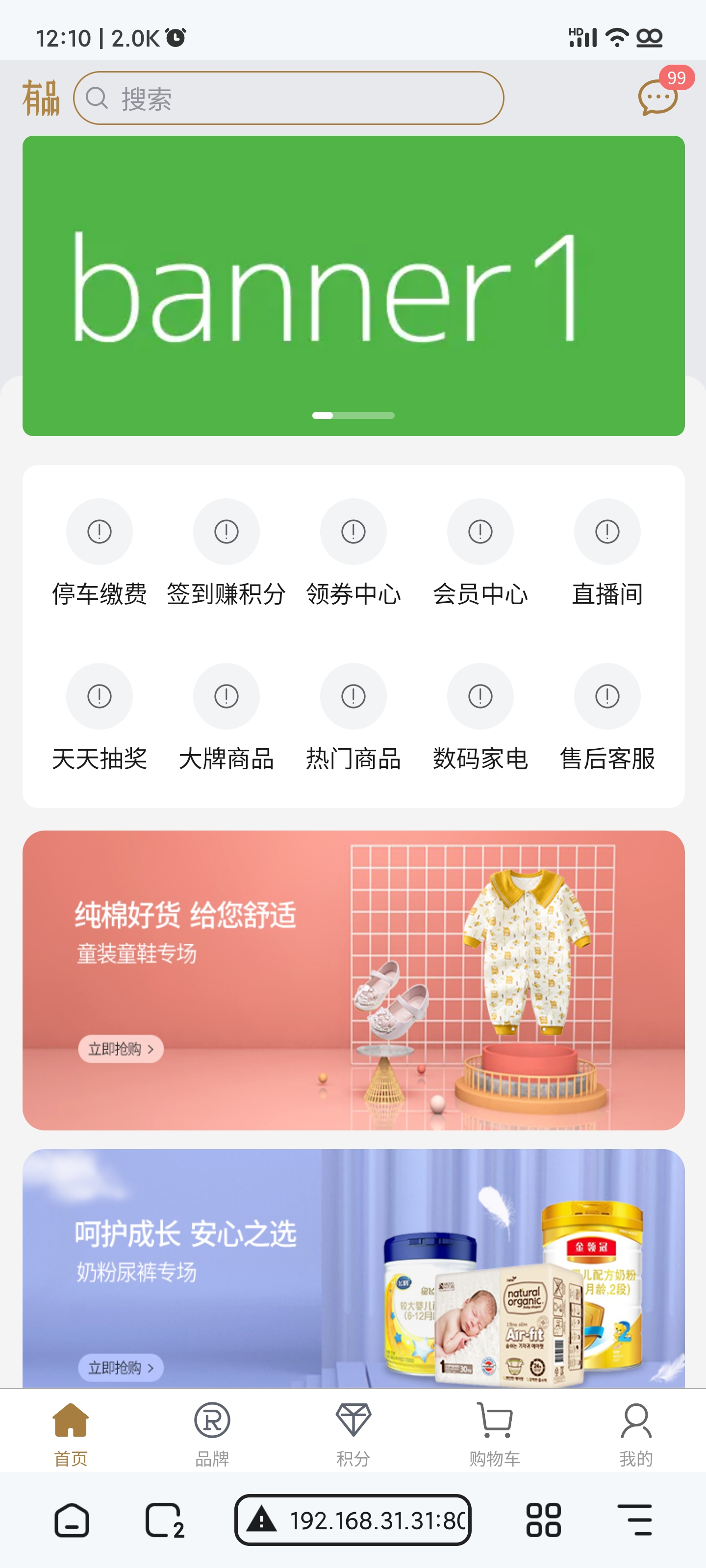
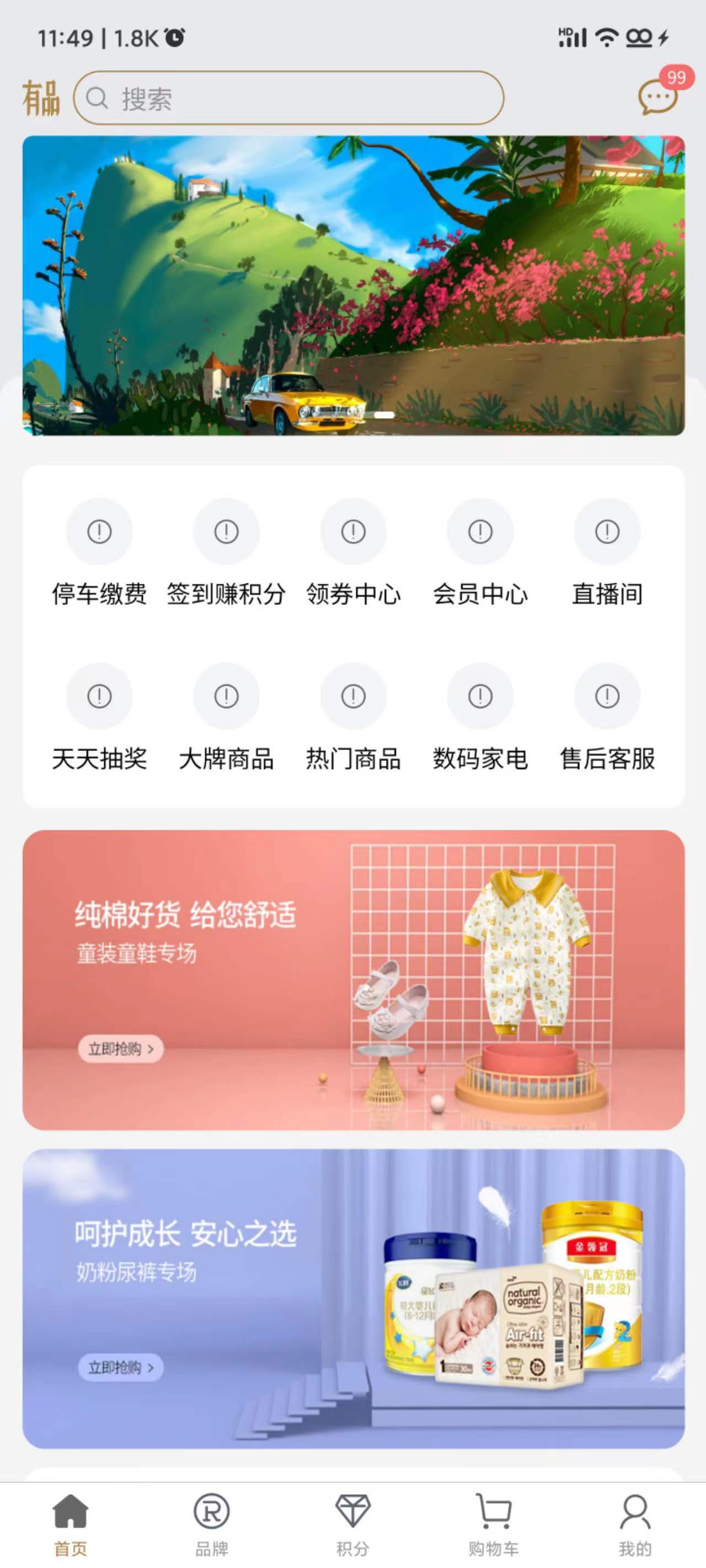
问题:自定义导航栏多端适配的问题
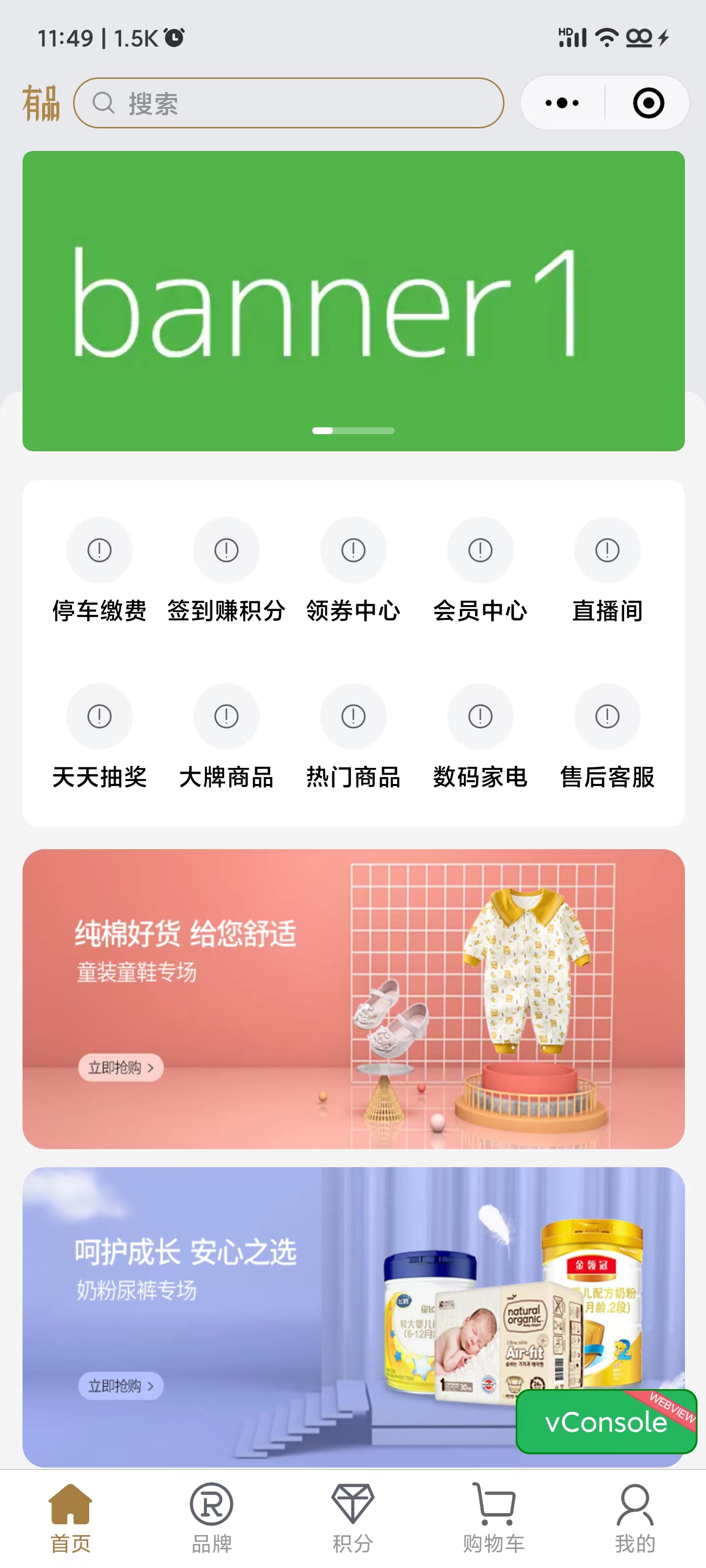
<template>
  <view
    class="page-index-nav-bar flex-row justify-between"
    :style="navigatorBarStyle"
  >
    <view
      class="flex-row align-center search-container"
      :style="'height: ' + navHeight + 'px'"
    >
      <image
        class="youping-icon"
        src="../../../static/images/navi_title.png"
      ></image>
      <view class="mock-search-input flex-row align-center">
        <u-icon name="search" size="38" color="#909399"></u-icon>
        <text>搜索</text>
      </view>
    </view>
    <!-- 右侧消息提示在微信小程序中不显示,因为它被微信小程序的胶囊覆盖了 -->
    <!-- #ifndef MP-WEIXIN -->
    <view class="nav-bar-message">
      <u-badge shape="circle" max="99" value="99" absolute></u-badge>
      <u-icon name="chat" size="58" color="#a87e40"></u-icon>
    </view>
    <!-- #endif -->
  </view>
</template>
<script>
export default {
    data() {
    	return {
            navigatorBarStyle: '',
      		navHeight: 44
        }
    },
    beforeMount () {
        // #ifdef MP-WEIXIN

        const custom = wx.getMenuButtonBoundingClientRect()
        const marginTop = custom.top // 胶囊顶部距离屏幕顶部的距离

        this.navigatorBarStyle = `margin-top: ${marginTop}px;`
        this.navHeight = custom.height // 取胶囊高度 搜索框能与胶囊对正
        // #endif

        // #ifdef APP
        const statusBarHeight = uni.getSystemInfoSync().statusBarHeight
        this.navigatorBarStyle = `margin-top: ${statusBarHeight}px`
        // #endif
    }
}
</script>
<style>
.page-index-nav-bar {
  height: 44px;
  padding: 24rpx;
  /* 非微信小程序环境则对齐居中 */
  align-items: center;
  box-sizing: border-box;
  /* #ifdef MP-WEIXIN */
  padding: 0 24rpx;
  /* flex-start 与胶囊顶部对齐 */
  align-items: flex-start;
  /* #endif */

  /* ... 其他代码省略 */
}
</style>
网页h5适配效果:
手机APP适配效果:
微信小程序适配效果: